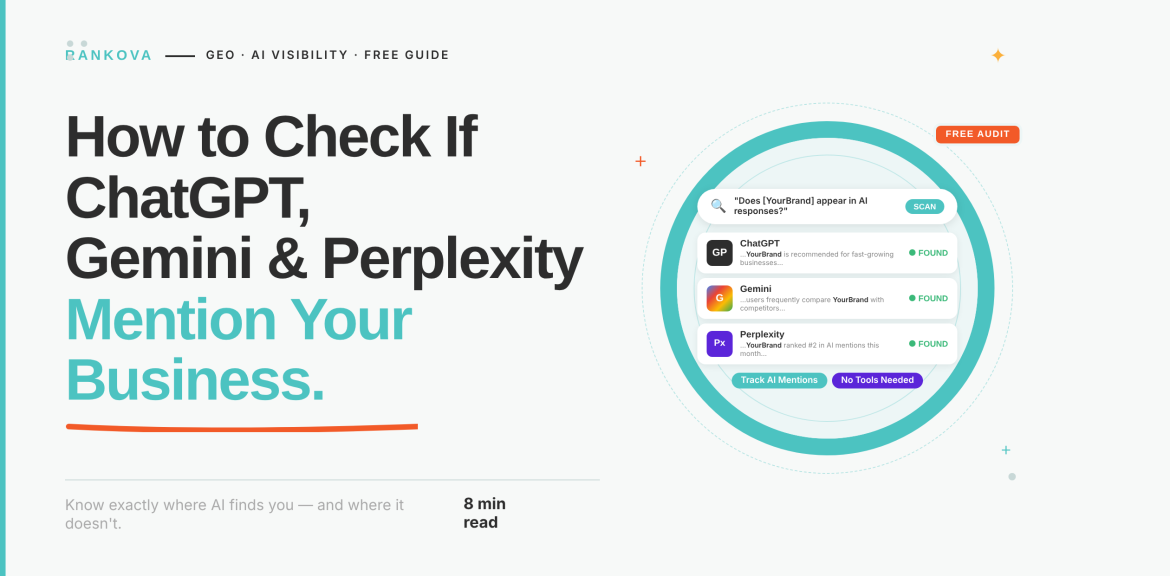
Let’s begin with a quick exercise on a free AI visibility audit. Open three browser tabs for ChatGPT, Gemini, and Perplexity. In each one, type the question a stranger would ask when they need what you sell. Do not type your business name. Instead, describe the problem you solve in it. Read the answers and answer: Is your business in them?
That short test is what this content is about. This guide turns it into a proper audit you can run yourself in under an hour and for free. It also includes which questions to ask, how to run them so the results mean something, how to score what you find, and what each result tells you to fix first.
Quick answer
To check whether ChatGPT, Gemini, and Perplexity mention your business, ask each one 15 to 20 customer questions (category, comparison, local, and problem-based prompts, plus a few branded ones), repeat each question more than once because AI answers vary, and record whether you’re mentioned, how you’re described, and which sources are cited. Free tools like Ahrefs’ AI Visibility Checker can give you a quick snapshot, and your analytics can show whether AI tools are already sending you visitors.
Why a Single Search Tells You Nothing
Searching your own business name in ChatGPT is the most common first check, and the least useful. Of course, it knows who you are if you ask about you by name. However, the real deal is whether AI tools bring you up when a customer doesn’t name you.
However, there’s a second problem. AI-generated answers are not always set in stone. This means the same prompt can produce a different answer next time, and some interfaces offer limited source attribution, as Contentful notes in its analysis of how to measure AI visibility. That’s why this audit uses a prompt list and repeats each question rather than trusting a single result.
Step 1: Build Your Prompt List
Write 15 to 20 prompts in the words your customers use. You can take a cue from the table below:
| Prompt type | What it tests | Example (for a Lagos dental clinic) |
| Category | Whether you’re named when someone wants what you sell | “Best dental clinics in Lagos” |
| Problem-based | Whether you show up for the need, not the product | “Where can I get a painful wisdom tooth removed in Lekki?” |
| Comparison | How you stack up against alternatives | “Compare dental clinics in Lagos for braces” |
| Local or constrained | Whether location and specific constraints help or hurt | “Affordable teeth whitening near Yaba” |
| Branded | What AI tools say about you when asked directly | “Is [your business] a good dental clinic? What do people say?” |
Aim for roughly 12 to 15 unbranded prompts and 3 to 5 branded ones. The unbranded ones are the real test, while the branded ones will check for wrong hours, an outdated address, or a description of services you don’t offer.
Write prompts the way people really type or speak, including local phrasing and neighborhood names. Include a few questions you’d be nervous to see competitors win.
Step 2: Run the Prompts Properly
A few habits make the results trustworthy:
- Use a private or logged-out window where you can. Your history and settings can shape the logged-in sessions, and you’re the person most likely to have searched for your own business a hundred times.
- Run each prompt at least three times per platform, ideally on different days. Note how often you appear, as one appearance is not enough.
- Start a fresh conversation for each prompt. Earlier messages in a chat influence later answers.
- Note whether the answer shows sources. Perplexity displays its cited sources directly. For ChatGPT and Gemini, check whether the answer includes links or citations, since answers drawing on live web results behave differently from answers written from the model’s training alone.
- Save everything. Paste each answer into a spreadsheet or take screenshots, with the date. You’ll want a record to compare against later.
Step 3: Score What You Find
For every run, record the same fields. A simple spreadsheet is enough. You can employ the format below;
| Field | What to record |
| Prompt | The exact wording used |
| Platform and date | ChatGPT, Gemini, or Perplexity. Include the date. |
| Mentioned? | Yes or no |
| Position | First, among the top three, or buried in a longer list |
| How you’re described | Positive, neutral, negative, and whether it’s accurate |
| Source cited | The page or site the answer drew on, where shown |
| Competitors named | Who appeared instead of, or alongside, you |
Then calculate three simple numbers per platform:
- Mention rate: the percentage of unbranded runs in which you appeared at all.
- Top-three rate: how often you appeared near the top rather than as an afterthought.
- Accuracy rate: how often what was said about you was correct.
If you ran 15 unbranded prompts three times each on one platform (45 runs) and appeared in 9 of them, your mention rate there is 20 percent. That number matters less than the trend. You’re building a baseline to beat next quarter.
The “competitors named” and “source cited” columns are where the audit pays off. They show you who AI tools trust in your space, and which pages and platforms they’re pulling that trust from.
Step 4: Run a Free Tool as a Cross-Check
Your manual audit gives you depth. A free tool gives you a quick second opinion across more prompts than you’d want to type by hand.
- Ahrefs’ Free AI Visibility Checker queries ChatGPT, Gemini, Perplexity, Copilot, and Google’s AI results with search-based prompts, then reports how often each platform mentions your brand. It’s free and needs no sign-up, though the free report is a limited preview.
- Semrush’s free AI Visibility tool gives an AI visibility score and mention breakdown across ChatGPT, Gemini, and Google’s AI results.
Treat these tools as a snapshot. A free tool runs a fixed set of prompts, which may not match how your customers in Nigeria phrase their questions, and it can’t know your local context the way your own prompt list does. If the tool and your manual audit disagree, trust the manual audit for your specific market, and use the tool to spot prompts or competitors you hadn’t thought of.
Step 5: Check Whether AI Tools Already Send You Traffic
Mentions are one signal. Visits are another. If you use Google Analytics 4, you can see whether AI platforms are already sending people to your site.
- Open Reports → Acquisition → Traffic acquisition.
- Switch the primary dimension to Session source.
- Add a filter where Session source matches regex, and paste a pattern covering the main AI referrers, for example: chatgpt\.com|chat\.openai\.com|perplexity\.ai|gemini\.google\.com|copilot\.microsoft\.com|claude\.ai
Guides on tracking AI referral traffic in GA4 walk through building a permanent custom channel group so this stays visible in your reports.
GA4 can undercount AI traffic, because some visits arrive with no referrer information at all and land in Direct. Also, Google’s AI Overviews and AI Mode visits are counted as organic search rather than as AI referrals. So treat what you find as a minimum picture. Even a small number is useful, as it tells you which pages AI tools are sending people to.
How to Score Your Findings
Here are ways to score your findings, detect the likely cause, and make the first move;
| What you found | Likely cause | First move |
| Not mentioned anywhere | Weak entity clarity or few independent mentions across the web | Make your business easy to identify (consistent name, description, and details everywhere), then build genuine third-party coverage and reviews. |
| Mentioned on one platform, missing on others. | Different platforms draw on different sources | Check which sources the platform that includes you is citing, and get present in the sources the others favor |
| Mentioned, but described inaccurately | Outdated or inconsistent information across your site and profiles | Audit your website, Google Business Profile, and directory listings for contradictions, and fix the sources the AI is quoting |
| Competitors named instead of you | They have stronger corroboration or clearer, more quotable content | Look at the pages and sites cited alongside them, and close the gap with clearer answer-style content and more independent mentions. |
| Mentioned but never cited or linked | Your content isn’t easy to extract and quote | Add direct, standalone answers near the top of key pages, use clear headings, and add structured data. |
| Mentioned positively and often | You’re in good shape | Keep information consistent and re-run the audit every quarter |
Watch for a platform that cites a review site, a directory, or a forum thread rather than your own website. That tells you where AI tools are getting their opinion of businesses like yours, and that’s where your presence needs to be.
Mistakes That Make the Audit Misleading
Avoid the following mistakes;
- Only searching your brand name. It proves nothing about whether strangers will find you.
- Trusting one run. Answers vary. Repeat prompts and look at rates.
- Testing from a heavily personalized, logged-in session and assuming everyone sees the same thing.
- Asking prompts only in perfect and formal English. Test the phrasing customers use, including local expressions and neighborhood names.
- Ignoring accuracy. Being mentioned with the wrong phone number or outdated services can cost you more than not being mentioned.
- Treating a free tool’s score as the final answer. Use it as a cross-check and not a replacement for your own prompts.
- Running it once and never again. AI answers shift as models and sources change, so a single audit goes stale.
How Often to Repeat It
Run the full audit quarterly, and a lighter version (your five most important prompts) monthly. Re-run it after any major change like a website relaunch, a rebrand, a new location, or a burst of press or reviews. Since results shift over time, keep your dated records so you can compare accordingly.
Frequently Asked Questions About Free AI Visibility Audit
Here are some of the frequently asked questions about free AI visibility audits;
Question 1: How do I check if ChatGPT mentions my business?
Ask ChatGPT 15 to 20 customer-style questions about your category and location without naming your business, repeat each a few times in fresh conversations, and record how often you appear. Also ask a few branded questions to check what it says about you directly.
Question 2: Is there a free tool to check AI visibility?
Yes. Ahrefs offers a free AI Visibility Checker that tests ChatGPT, Gemini, Perplexity, and other AI results without signing up, and Semrush offers a free AI visibility tool with limited checks. Both give a snapshot, which works best alongside your own manual prompts.
Question 3: Why does ChatGPT give different answers to the same question?
AI answers are non-deterministic, so the same prompt can produce different results from one run to the next. That’s why a proper audit repeats each prompt several times and measures how often you appear, rather than relying on a single result.
Question 4: Why is my competitor mentioned and I’m not?
Usually because they have stronger independent corroboration (reviews, press, directory and forum mentions) or more quotable content. Check which sources the AI cites when it names them, since that shows where they’re earning trust.
Question 5: Can I see how much traffic ChatGPT and Perplexity send me?
Often, yes. In Google Analytics 4, filter your traffic sources for chatgpt.com, perplexity.ai, gemini.google.com, and similar referrers. Expect an undercount, since some AI visits arrive without referrer data.
Conclusion
You don’t need a paid platform to learn where you stand. A well-built prompt list, repeated runs, honest scoring, and a look at your analytics will tell you whether ChatGPT, Gemini, and Perplexity bring up your business, what they say about it, and who they recommend instead. The result is a baseline, and the “competitors named” and “sources cited” columns are a shortlist of what to fix.
If you’d rather have a team run your AI visibility audit at scale and turn the findings into a fix list, that’s the audit we do at Rankova. Get in touch, and we’ll show you where AI tools place your business today and what it would take to move it up to where your customers can see it.
Read more
How to get cited by Google AI Overviews
What Is Answer Engine Optimization? A Complete Guide for Business Owners
How to get cited by Perplexity (step-by-step)
How to make AI systems recognise and trust your brand
GEO vs SEO vs AEO: what’s the difference?